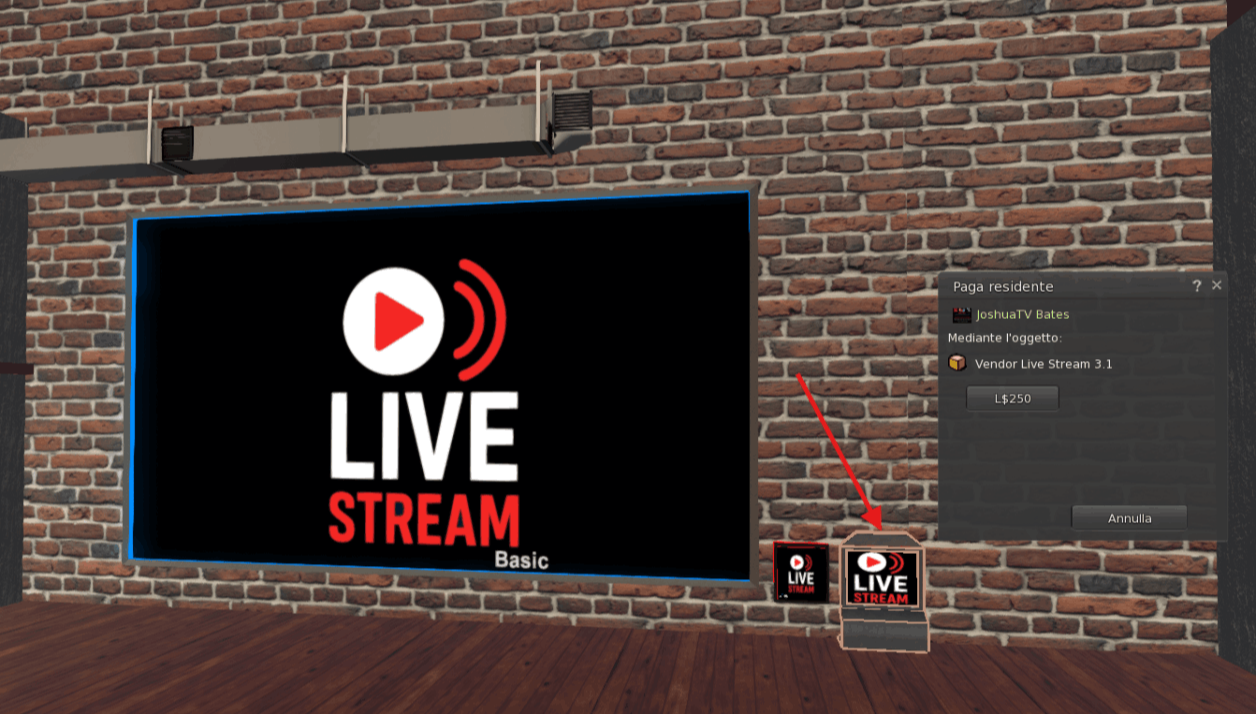
1) Pay the Vendor
Make the payment for the live on the LiveStream vendor
Simple step to start a LiveStream live in Secondlife
Make the payment for the live on the LiveStream vendor
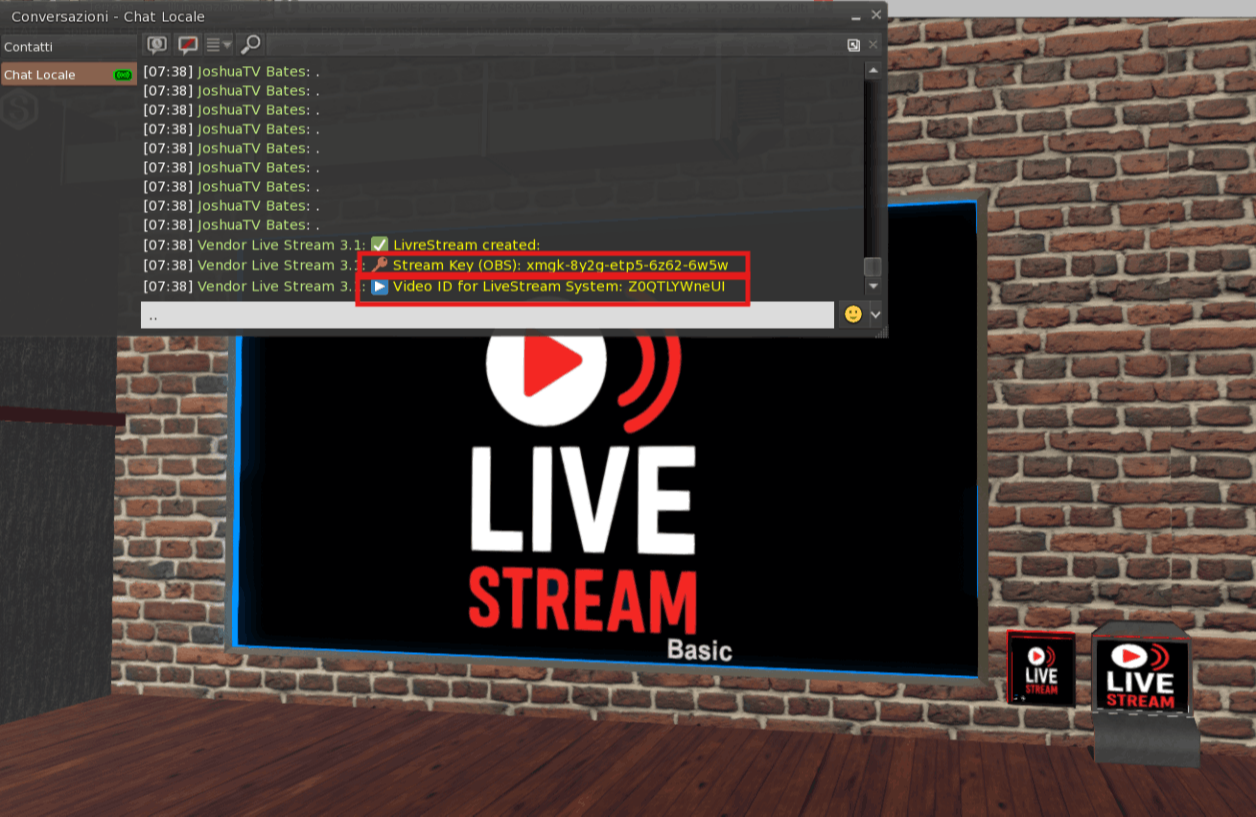
After payment, you'll receive two Livestream codes via IM and public chat. One is the code you'll need to start the live stream on your screens, and the other is the code you'll need for the artist who wants to go live:
- OBS Stream Key -> the key for the artist
- Livestream Video ID -> the key to activate the live stream on SL screens
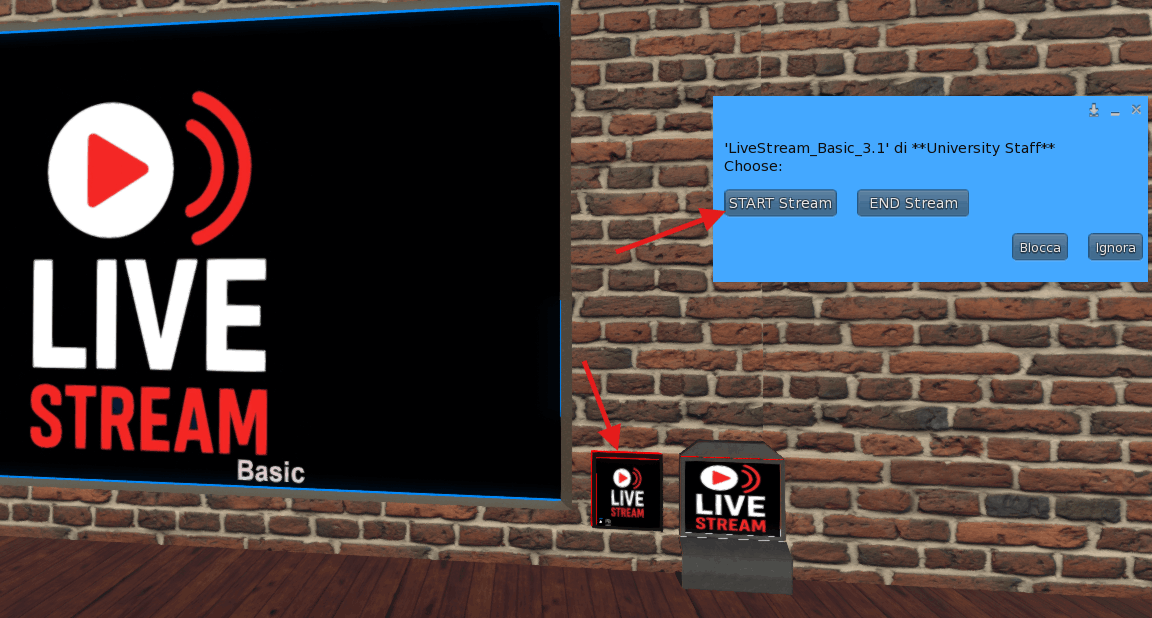
To start the live stream, press the "Live Stream" button and choose "START STREAM".
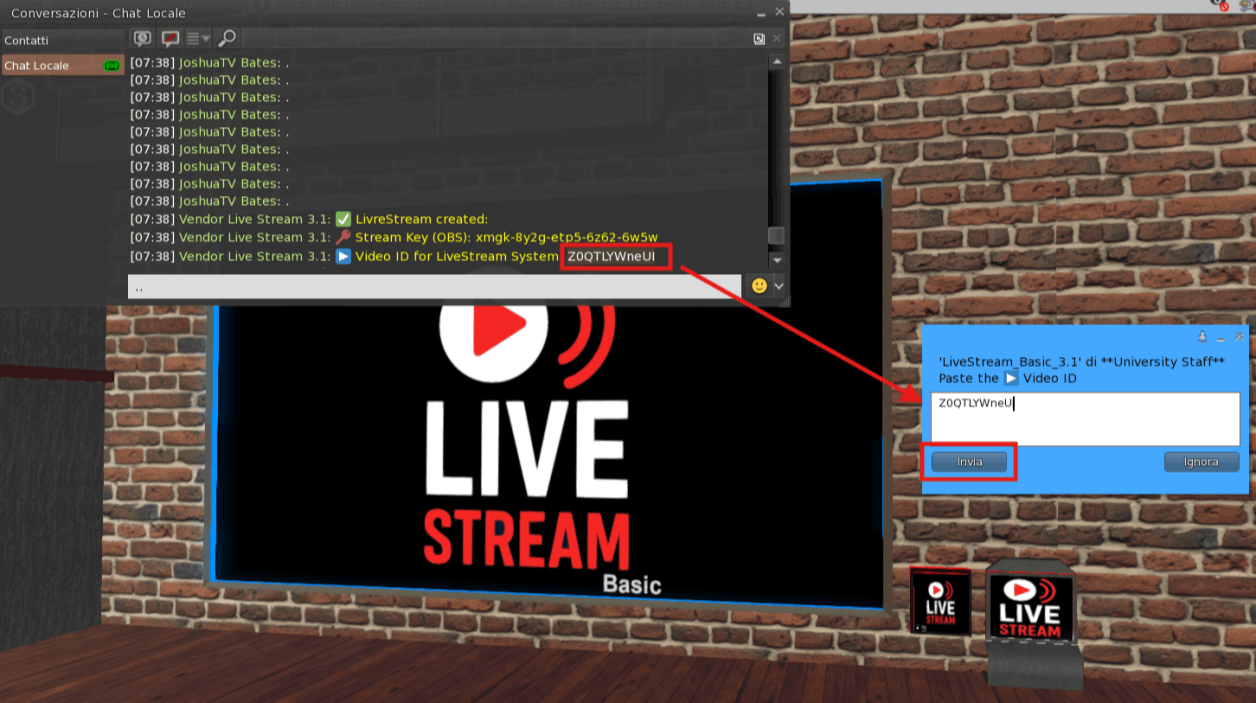
To activate the live stream, paste the "Video ID for Livestream" code into the text box that appears and press the "SEND" button.
When the live broadcast starts, you'll notice because the screen expands to highlight the wait for the artist to start.
Remember that it can take about ten seconds from the start of the artist's stream to the viewing on SL; this is normal.
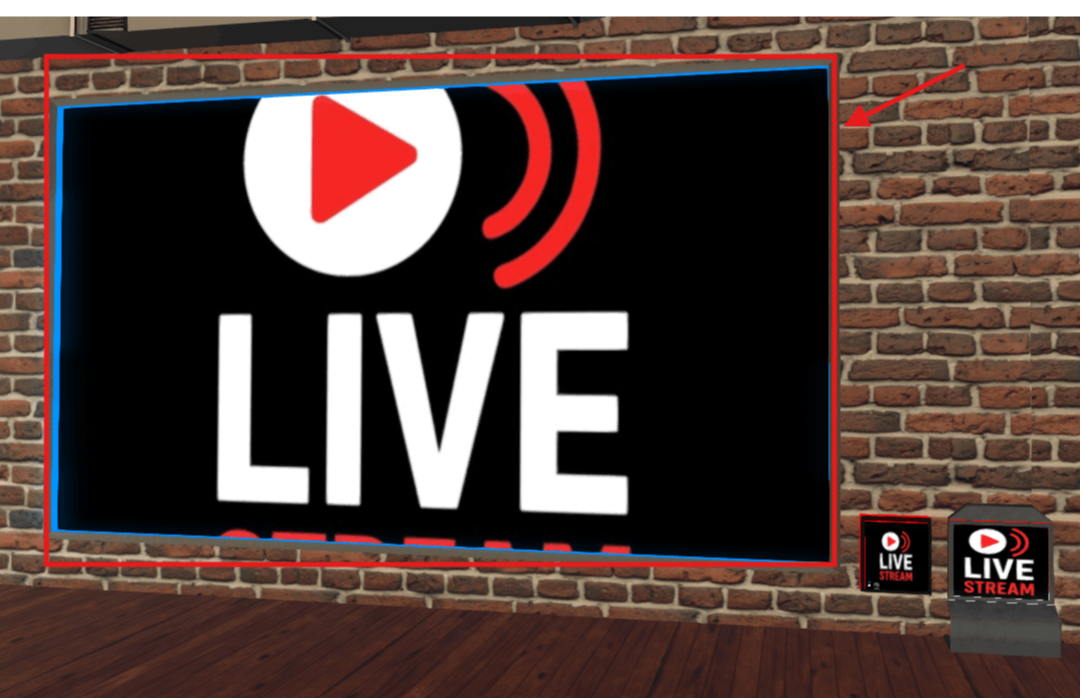
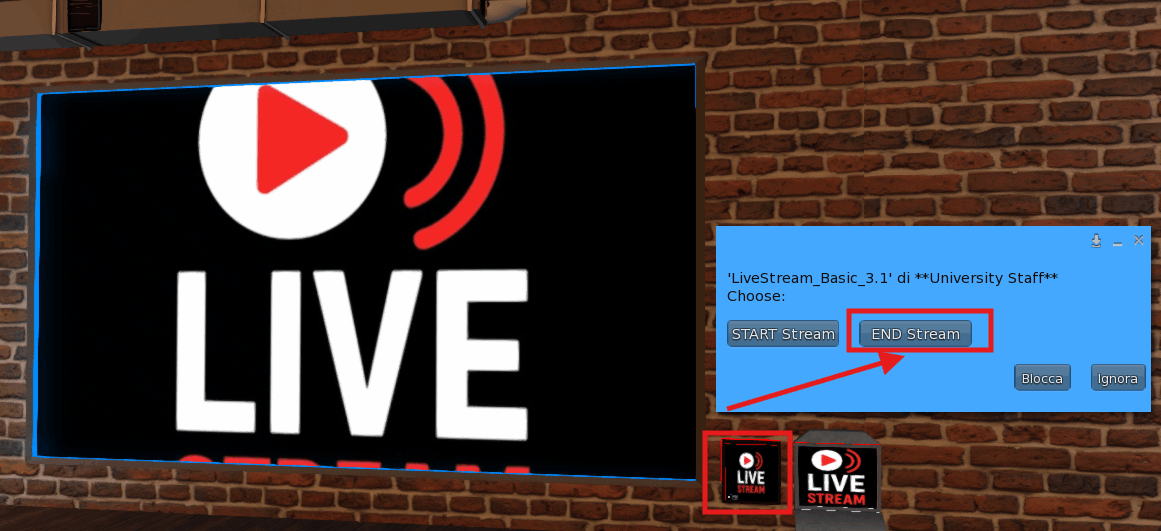
To end the Live, it is recommended to press the "Live Stream" button and choose the "End Stream" button.
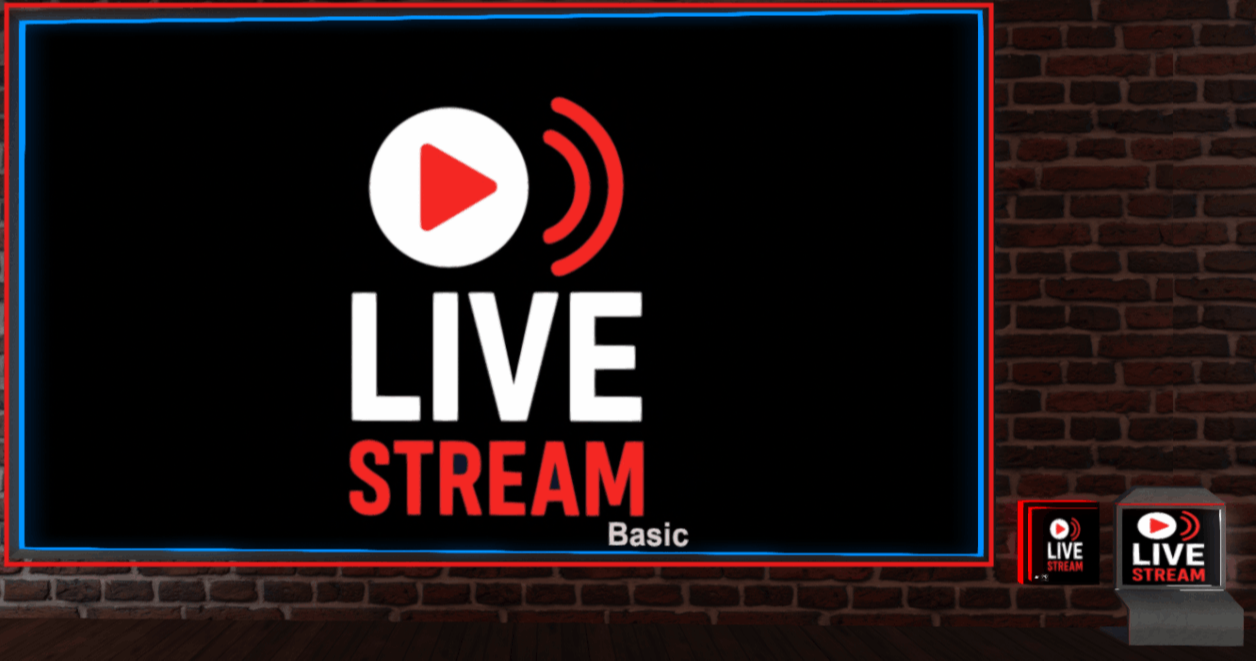
You'll know the stream has finished successfully because the screen returns to its original size.

Offline Website Builder